QuickBooks gives us a quick and easy way to use the information we provide customers on an estimate to create a purchase order. From "Customer Center" select the appropriate customer and job to select and open an estimate. Once you have opened the estimate, select "Purchase Order" from the "Create Invoices" drop down menu.
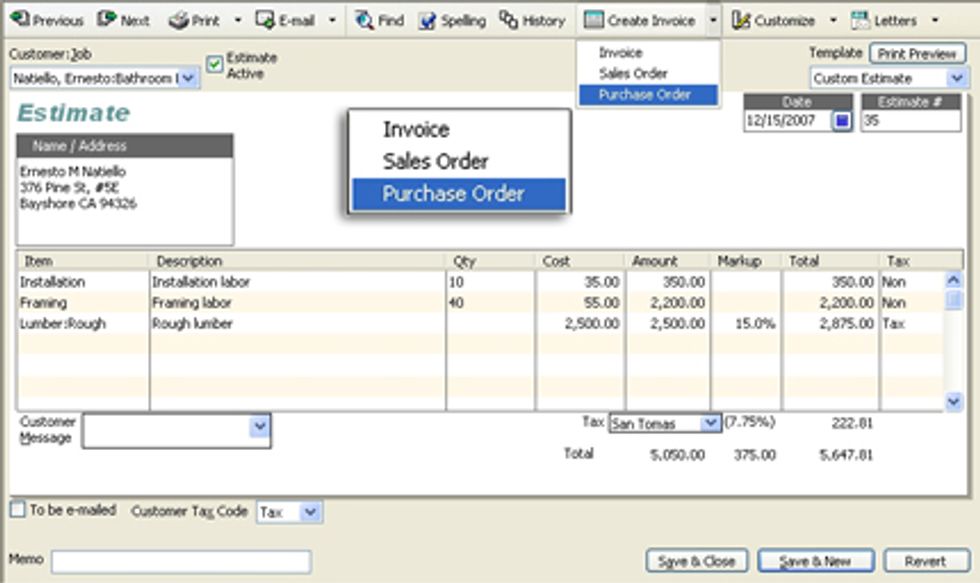
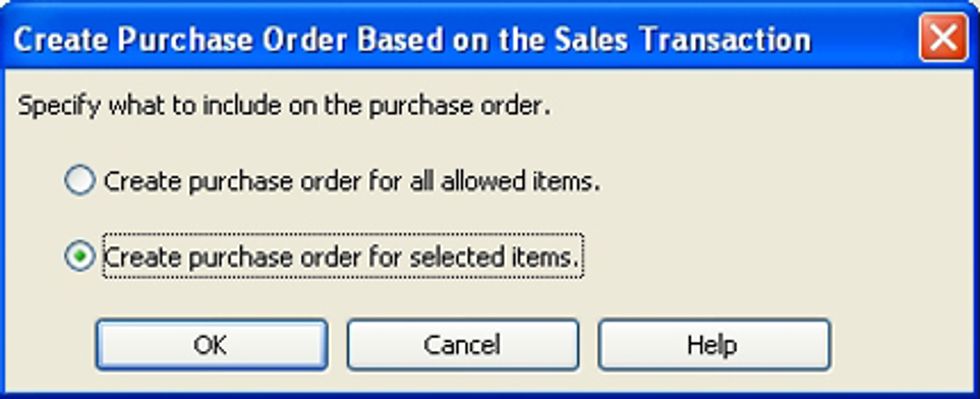
You have the option to include all items in the estimate in a PO or to select specific items. This can be helpful if a single will handle all items on the estimate but, more likely you will be creating a PO from a singe estimate for multiple suppliers.
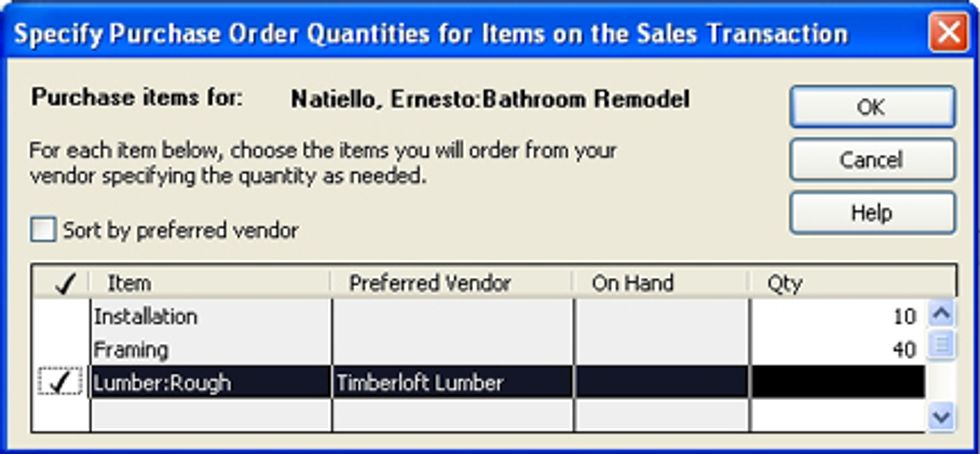
Since we opted to selec specific items, we just check the items we want for a particular supplier, we just place a check by the items we want to order from a specific vendor.
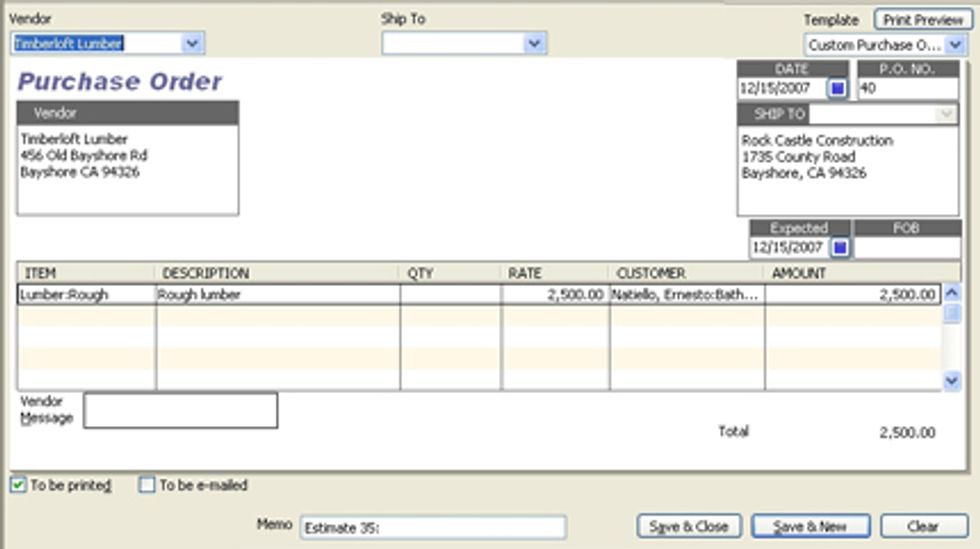
Click OK and we now have our purchase order ready to print and mail or to email to our supplier.
Robert Guild is certified QuickBooks ProAdvisor in Austin, TX who conducts CPE courses for CPAs and individual training and group classes to QuickBooks users. His company, Accounting Insight, maintains a sixteen-station QuickBooks lab, providing hands-on training. You can contact him directly at rguild@accountinginsight.biz or follow him on twitter at QBPro